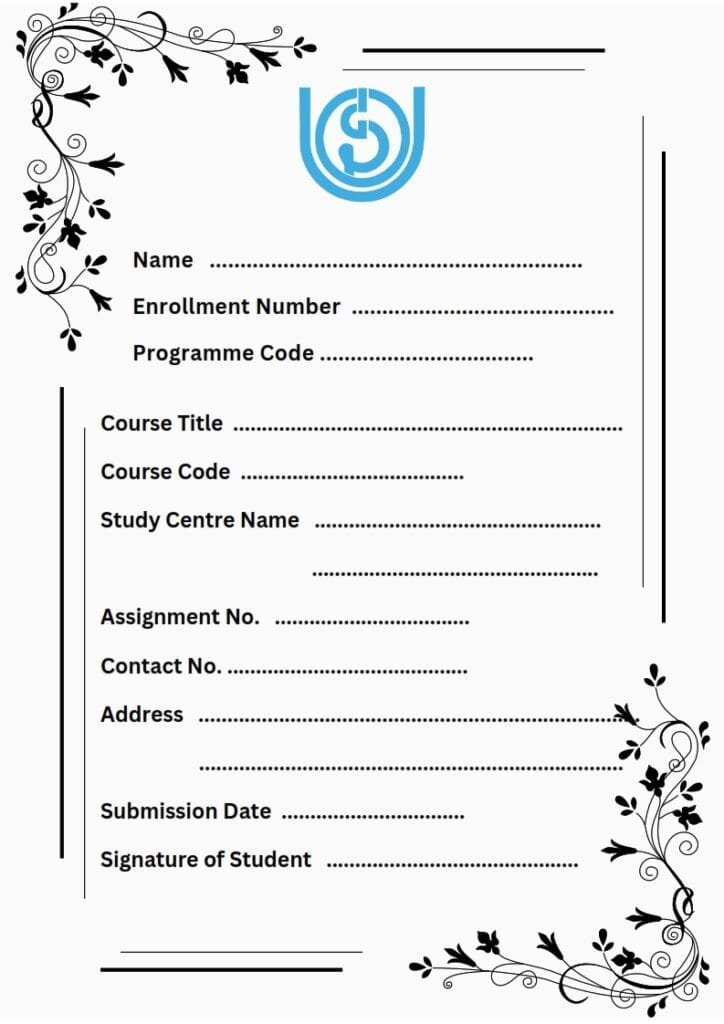
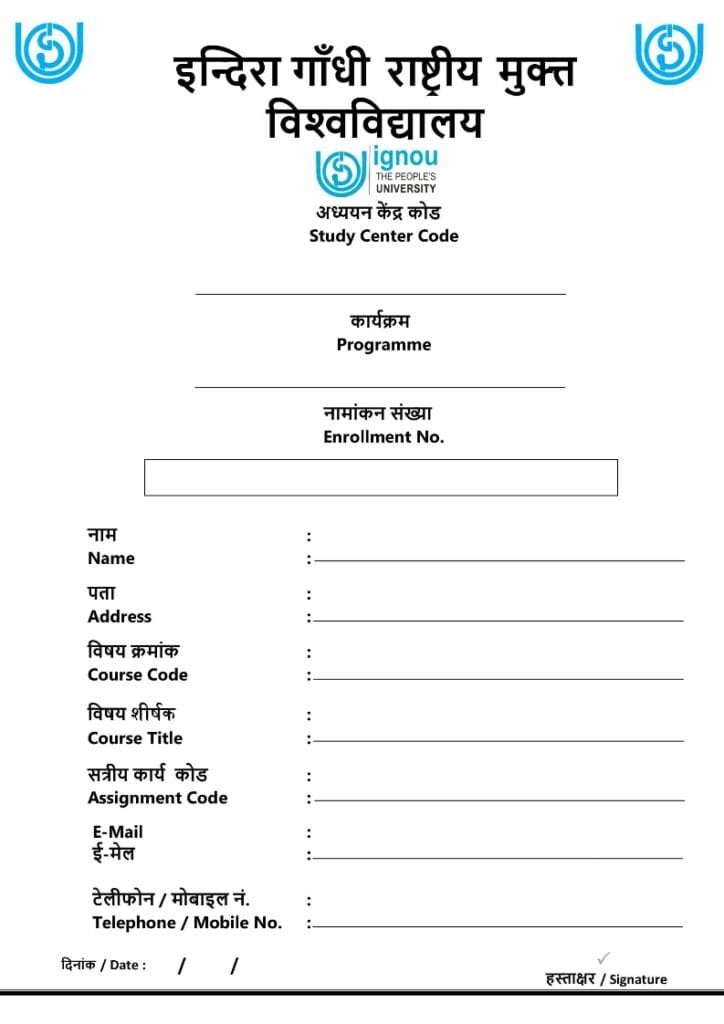
📄 IGNOU Assignment Cover Page Download 2026
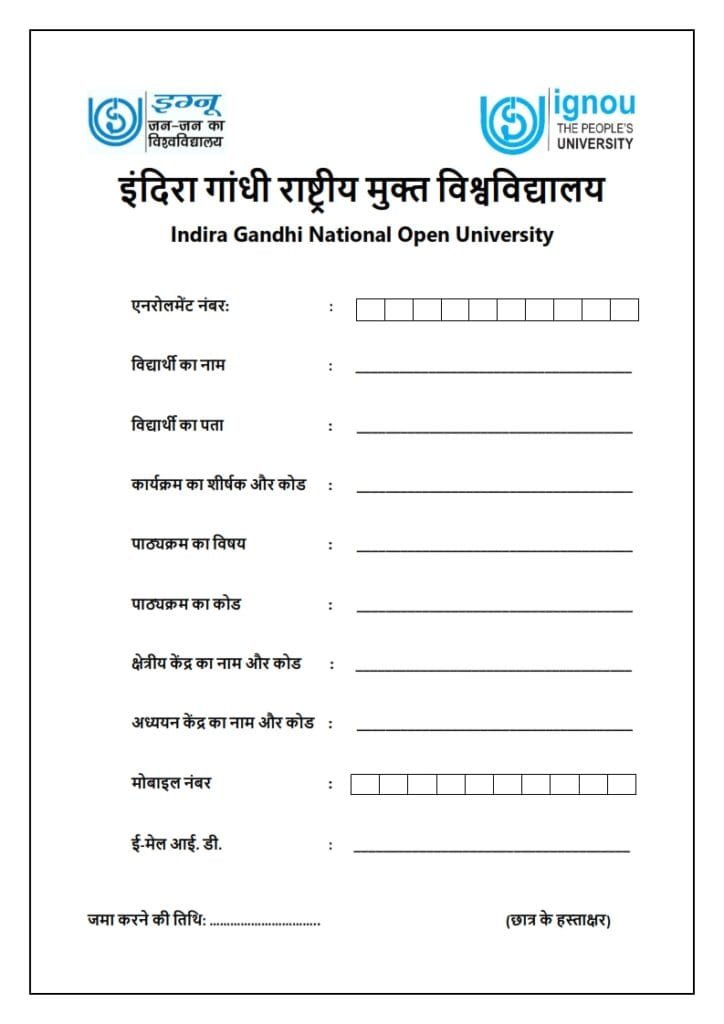
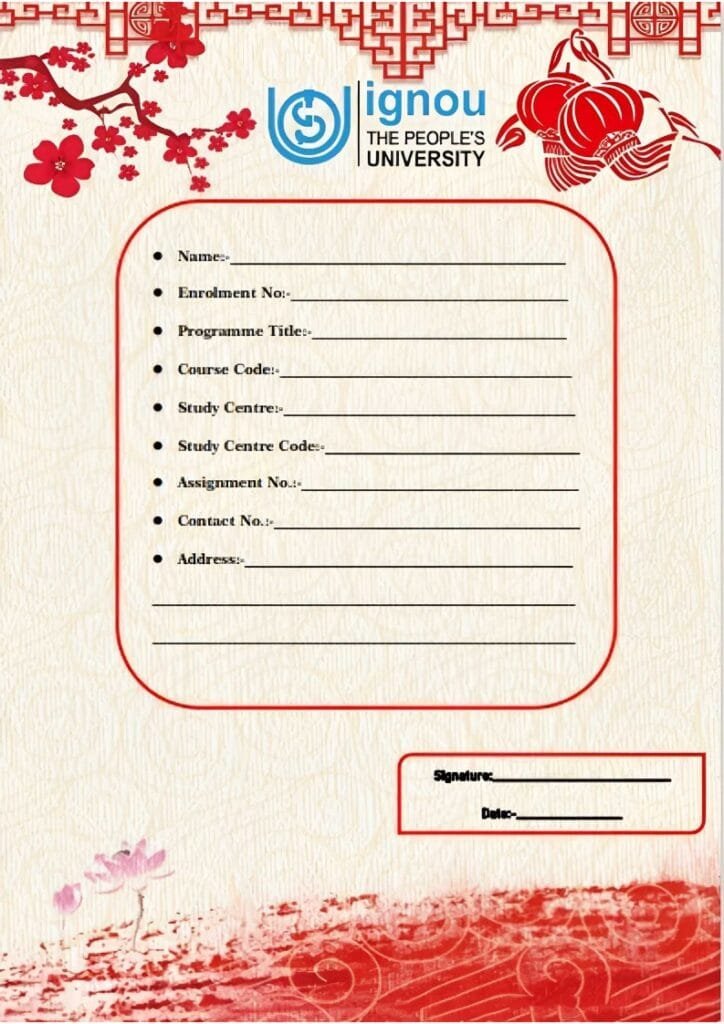
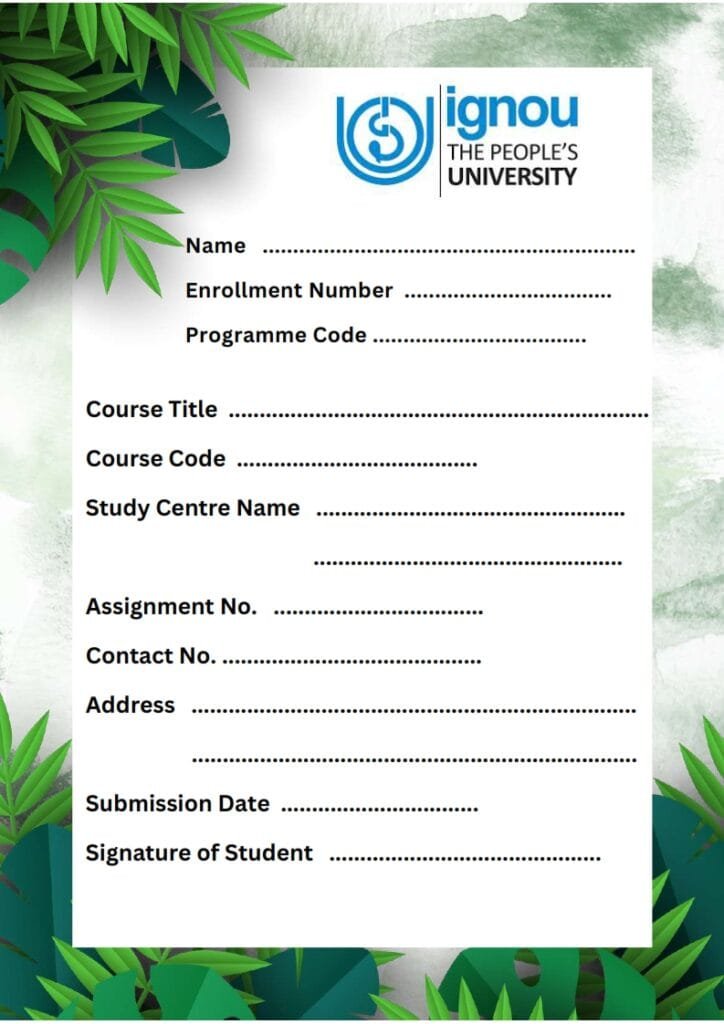
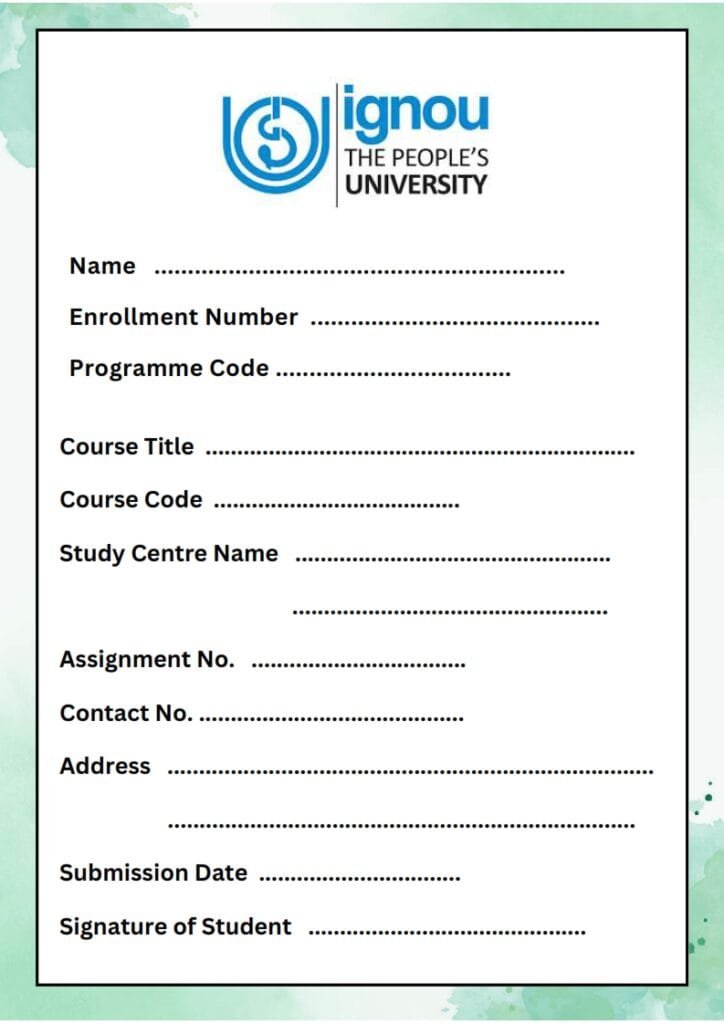
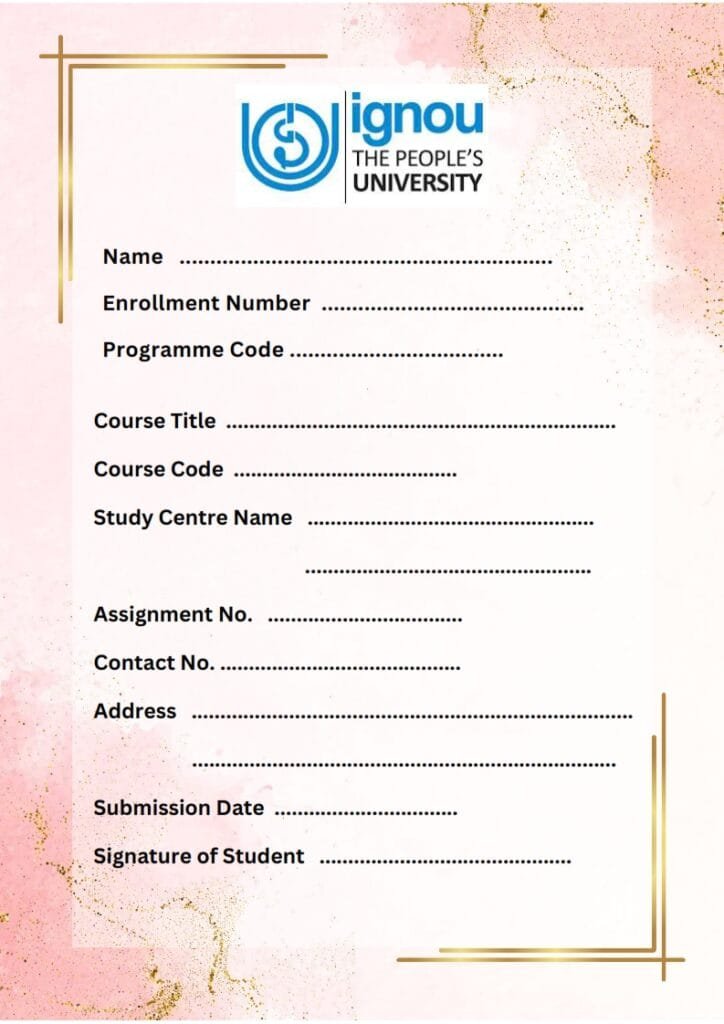
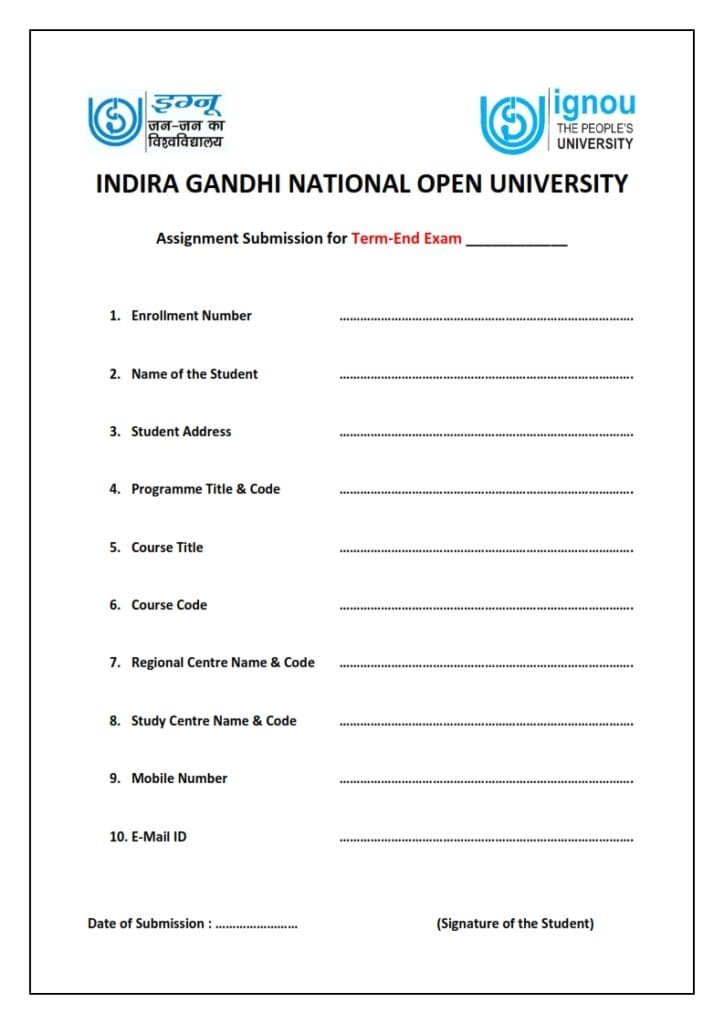
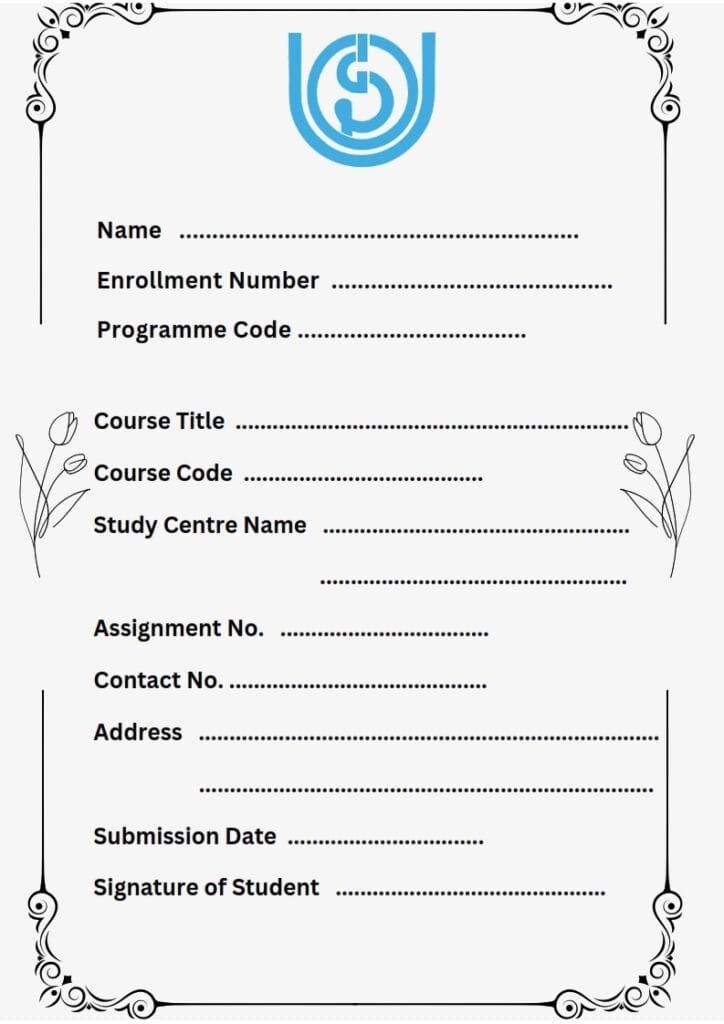
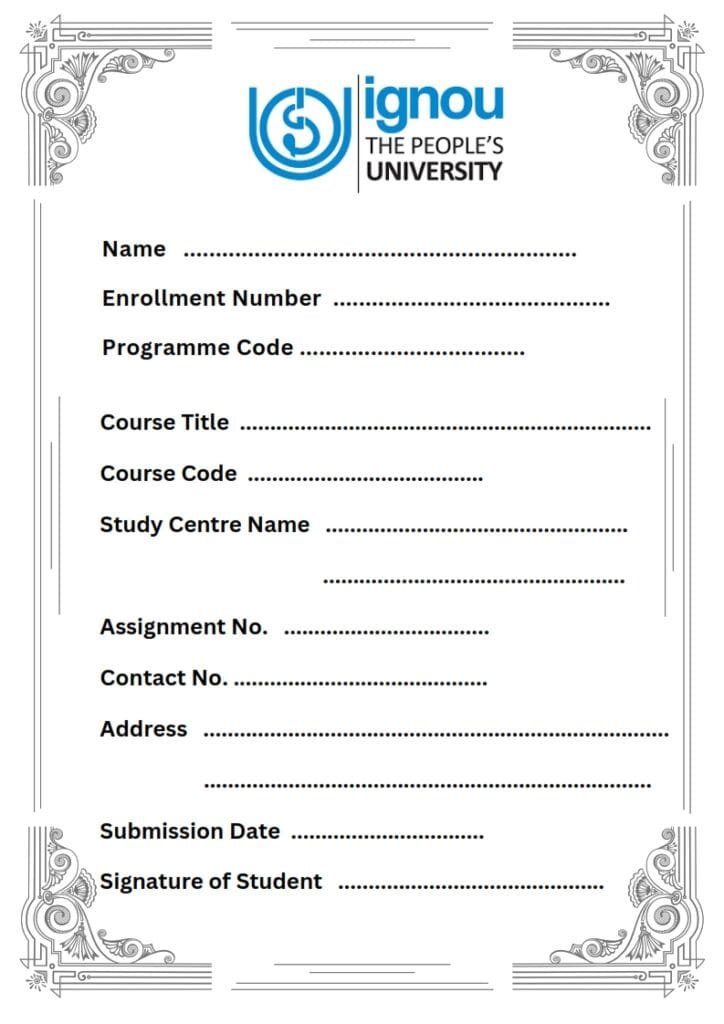
Looking for the IGNOU Assignment Cover Page 2026? If you are preparing your IGNOU assignment, the cover page is one of the first things you need to arrange before writing your answers. A properly filled cover page helps identify your assignment and provides important details such as your name, enrolment number, programme code, course code, assignment number, Study Centre and session.
The cover-page format can differ between programmes and assignments. Therefore, students should always check the instructions given in their latest assignment PDF before using any downloaded format.
⬇️ Download IGNOU Assignment Cover Page 2026
You can download the IGNOU Assignment Cover Page and use it as a reference while preparing your assignment.
📥 IGNOU Assignment Cover Page PDF
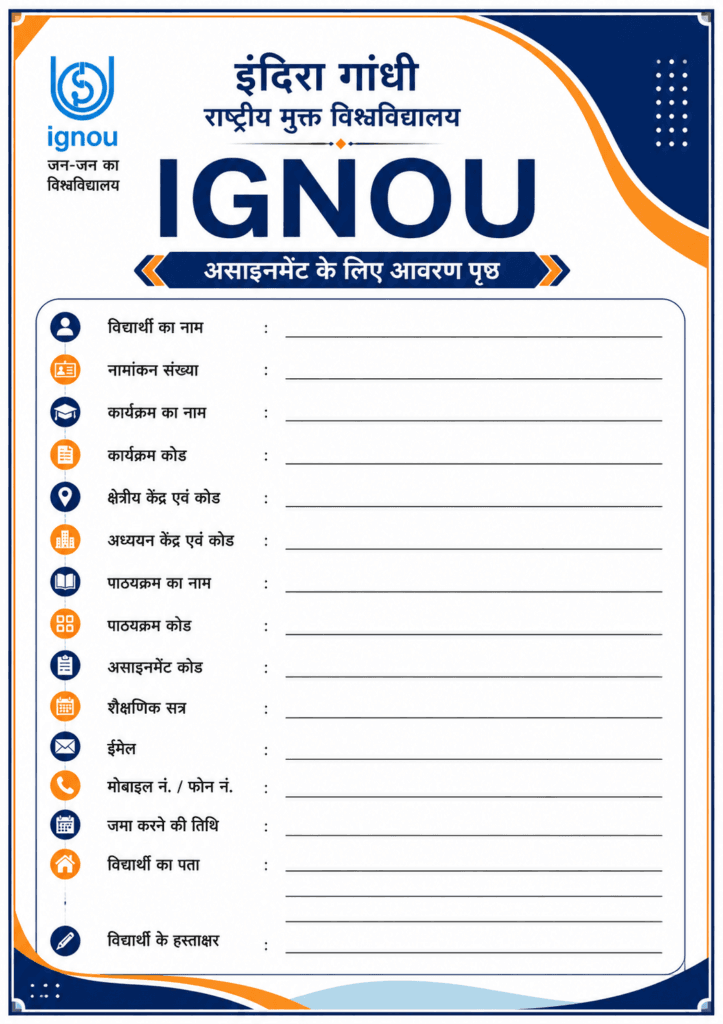
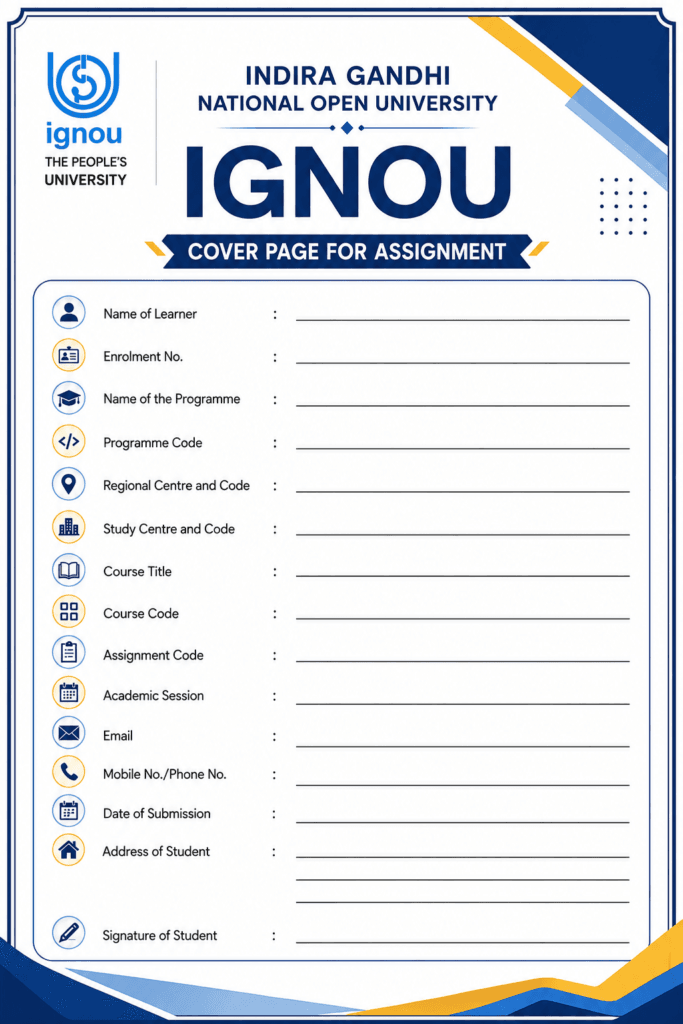
The cover page provided here is intended to make assignment preparation easier. Before submitting your assignment, compare the format with the instructions given in your current IGNOU assignment.
IGNOU itself provides course-wise assignment documents through its official Current Assignments portal. The University advises students to search for their programme or course code and check the validity of the assignment before downloading it.
📝 What Information Is Required on an IGNOU Assignment Cover Page?
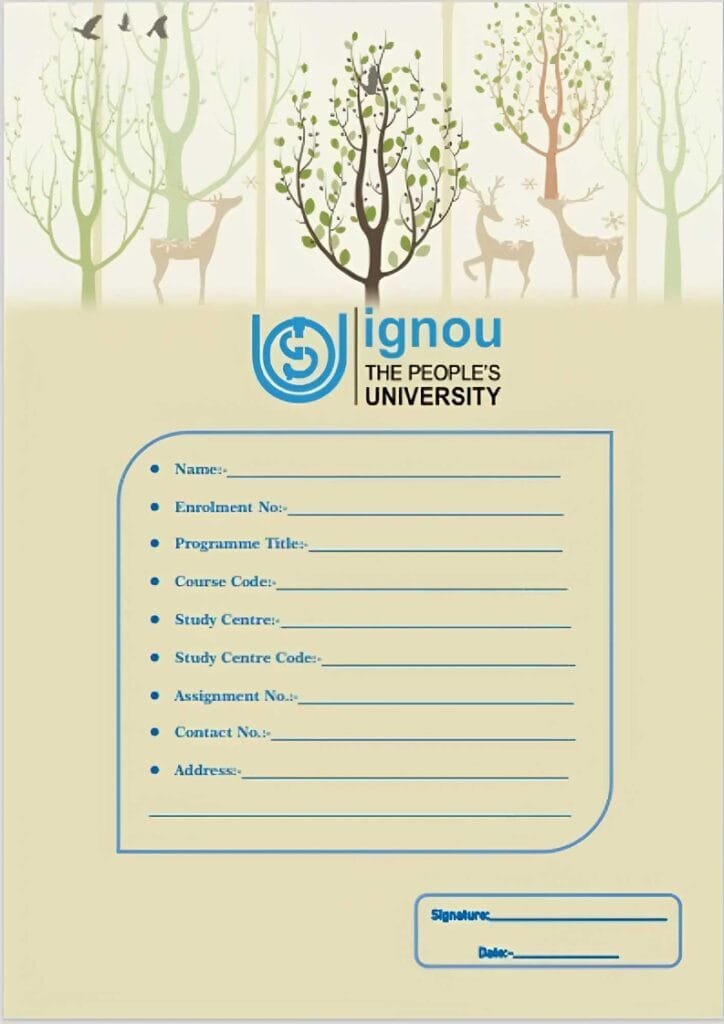
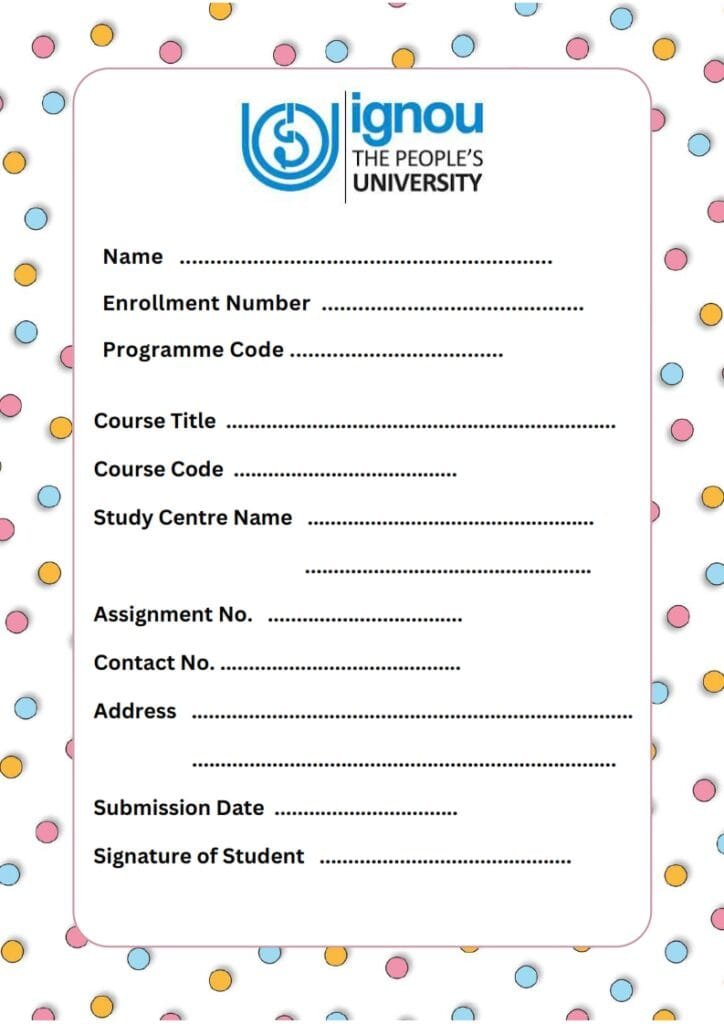
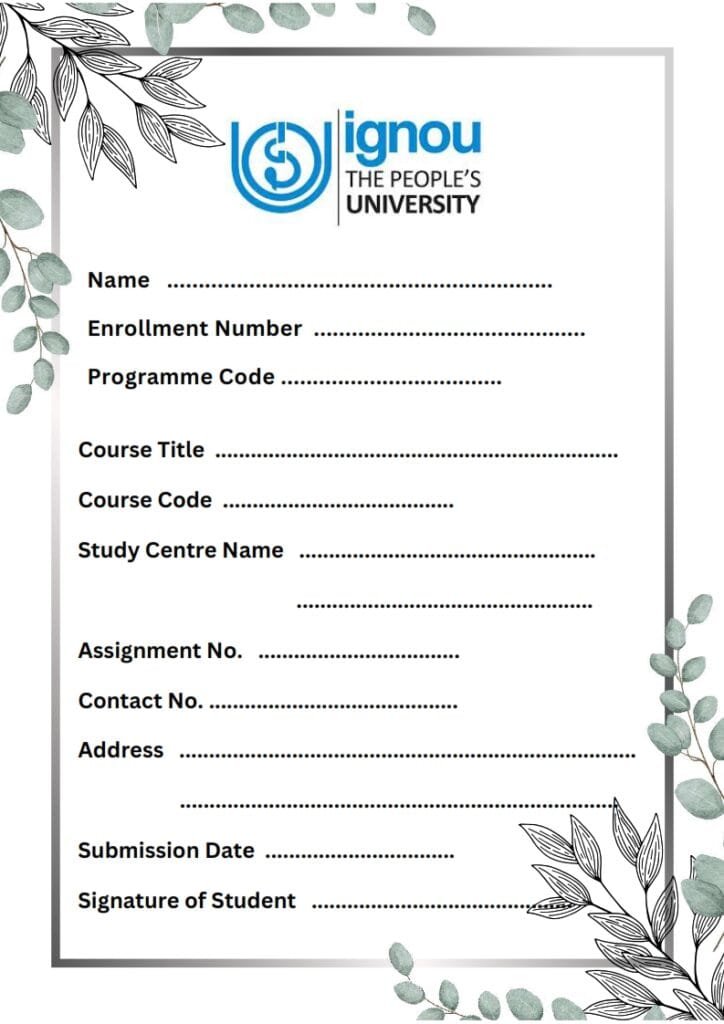
The information required on the first page can vary according to the assignment. However, current IGNOU assignment formats commonly ask for details such as:
Name of the Student
Enrolment Number
Programme Name
Programme Code
Course Code
Course Title
Assignment Number/Code
Study Centre and Code
Regional Centre and Code, where required
Student Address
Email Address, where required
Mobile Number, where required
Date of Submission
Student Signature, where required
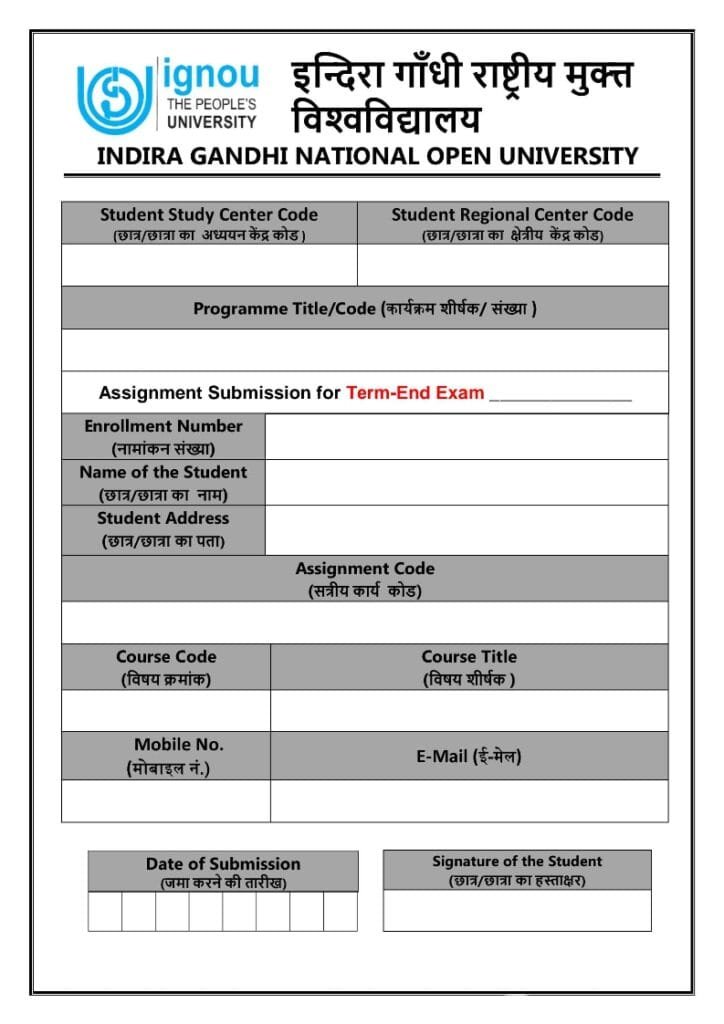
For example, a current IGNOU assignment from the School of Extension and Development Studies includes fields for the learner’s name, enrolment number, Regional Centre and code, programme, programme code, course code, course title, email, mobile number, submission date, address and signature.
This is why students should not assume that every programme uses exactly the same cover page.
🖼️ Filled IGNOU Assignment Cover Page Sample
If you are confused about where to write each detail, a filled sample cover page can make things much easier.
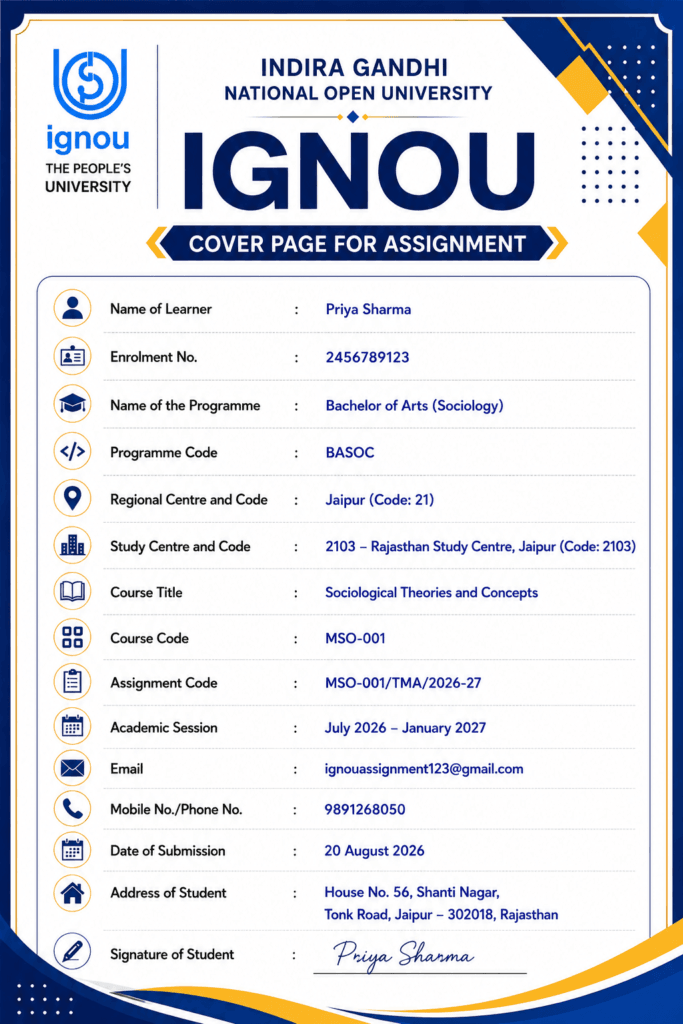
The sample image can contain dummy student information to show students how the fields should be filled.
For example, the sample can demonstrate where to enter:
Name: Rahul Kumar
Enrolment No.: 1234567890
Programme Code: BAG
Course Code: BHDC-132
Assignment Code: TMA/01
Study Centre: 12345
Session: January 2026
These are only sample details. Students must enter their own correct information when preparing the actual assignment.
✍️ How to Fill the IGNOU Assignment Cover Page
Filling the cover page is simple, but you should enter every detail carefully.
1. 👤 Enter Your Name
Write your name exactly as it appears in your IGNOU admission or student records. Avoid unnecessary changes in spelling.
2. 🔢 Enter Your Enrolment Number
Your enrolment number is an important identification detail. Check it carefully before writing or typing it on the cover page.
3. 🎓 Enter Your Programme Details
Write the correct programme name and programme code, such as BAG, BCOMG, BCA, MCA, MA, MCOM or another applicable programme.
4. 📚 Enter Course Details
Mention the course code and course title exactly as provided in your assignment.
For example:
Course Code: BHDC-132
Course Title: An Introduction to Hindi Literature
The course details should match the assignment you are submitting.
5. 📝 Enter Assignment Number or Code
Some assignments use an Assignment No., while others may mention an Assignment Code. Copy the information from your current assignment PDF rather than guessing it.
6. 🏫 Enter Study Centre Details
Write your Study Centre name and code as applicable. Some formats may also ask for Regional Centre details.
7. 📅 Mention the Session
Enter the correct admission/session information, such as January 2026, July 2026, or January 2027, according to the assignment applicable to you.
8. ✍️ Add Date and Signature
If the format contains fields for the date of submission or student signature, complete them before submission.
📌 Is IGNOU Assignment Cover Page Mandatory?
Students should follow the format specified in their current assignment and Regional Centre instructions.
There is no single cover-page design that can automatically be treated as applicable to every IGNOU programme. IGNOU assignment documents show different formats. For instance, some current assignments instruct students to write specific details at the top of the first answer sheet rather than using a separate decorative cover page.
Therefore, the safest approach is to check your assignment PDF first and use the format prescribed for your course.
📄 Separate Cover Page vs First-Page Format
This is an important point that often creates confusion among students.
Some IGNOU assignments provide a specific “Cover Page for Assignment” with fields arranged in a table. Other assignments instruct students to write details directly on the top of the first page of the answer sheet.
For example, one current IGNOU assignment format asks students to provide the enrolment number, name, address, course code, course title, assignment number, Study Centre and date on the first page.
Another current IGNOU assignment provides a dedicated cover-page format with learner name, enrolment number, Regional Centre, programme, programme code, course code, course title, email, mobile number, date, address and signature.
So, do not use a random cover page without checking your course instructions.
✏️ IGNOU Handwritten Assignment Format
If your assignment requires handwritten answers, follow the instructions given in your assignment booklet.
A current IGNOU assignment, for example, specifies the use of suitable writing paper, margins and clear indication of question numbers. It also advises students to retain a copy of their submitted assignment.
For a neat assignment, make sure that:
✍️ Handwriting is clear and readable.
📏 Required margins are maintained.
📝 Question numbers are written correctly.
📄 Pages are arranged in the proper order.
📌 The correct assignment is used for the applicable session.
📸 A copy or clear photographs are kept before submission.
Always give priority to the instructions printed in your own assignment PDF.
🔎 How to Download the Latest IGNOU Assignment
The cover page alone is not enough. Before preparing your answers, make sure you have downloaded the correct assignment for your programme, course and session.
IGNOU’s official Current Assignments portal allows students to search assignments using the programme code or course code. The portal also displays information such as the applicable session, marks, weightage and due dates for the listed assignments.
Steps to Download Your Assignment
🌐 Open the official IGNOU Current Assignments page.
🔍 Search using your programme code or course code.
📘 Find the correct course.
📅 Check the session for which the assignment is valid.
📝 Check the assignment details and due date.
⬇️ Download the assignment PDF.
✍️ Read the instructions before starting your answers.
Official IGNOU Current Assignments:
https://www.ignou.ac.in/studentService/download/assignments
⚠️ Common Mistakes While Filling the Cover Page
A cover page may look simple, but students sometimes make avoidable mistakes.
❌ Wrong Enrolment Number
Even one incorrect digit can cause problems while identifying your assignment.
❌ Wrong Course Code
Make sure the course code on your cover page matches the assignment you are answering.
❌ Wrong Session
Do not use an old assignment simply because the course code looks the same. Always check the validity of the assignment.
❌ Incorrect Study Centre
Enter your current Study Centre details as applicable to your programme.
❌ Missing Signature or Date
If your prescribed format contains a signature or date field, complete it before submission.
❌ Using an Old Cover Page
IGNOU formats and submission instructions can change. Therefore, always check the latest assignment instructions.